
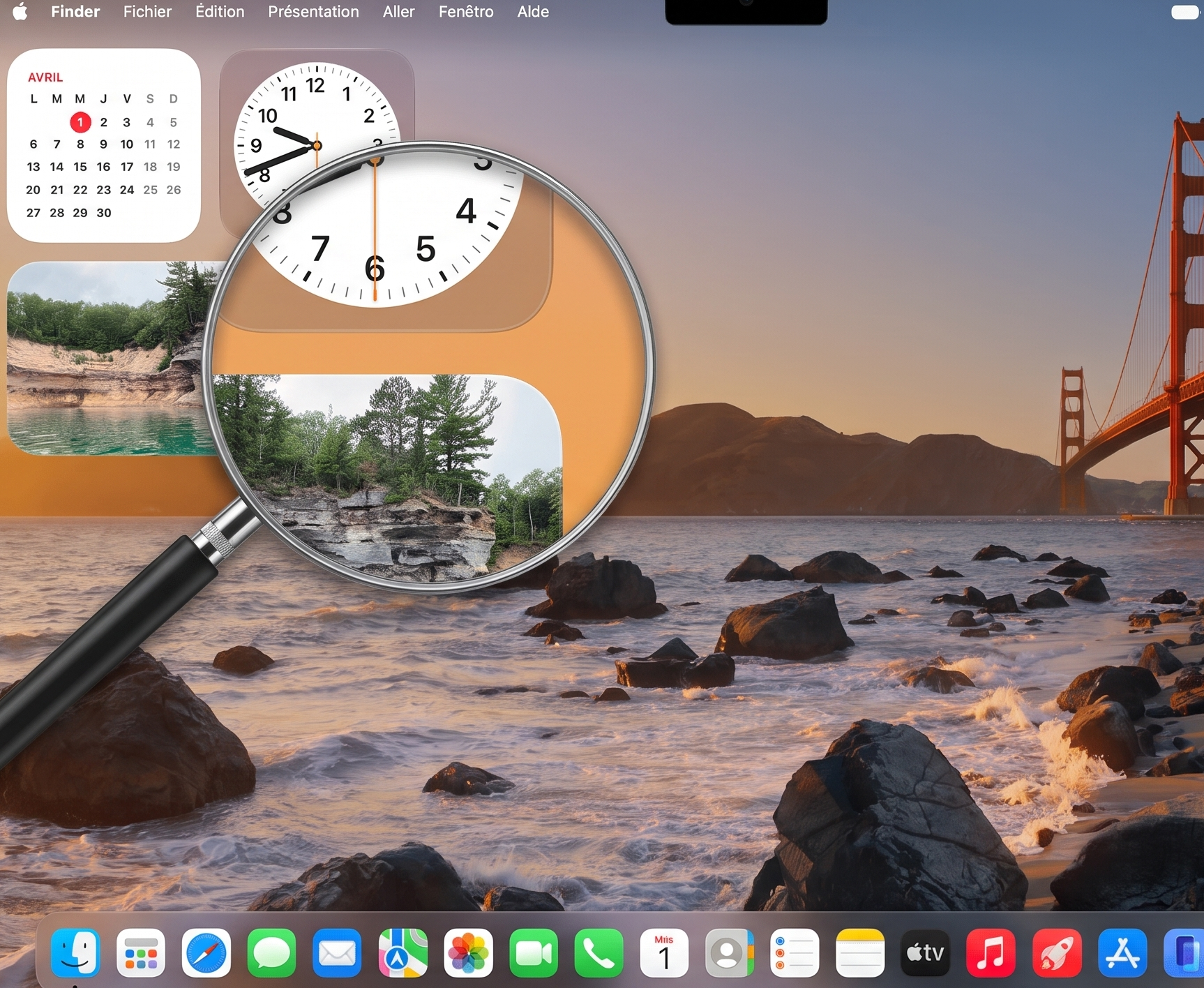
Apple, remember Windows 8…
The reference has been widely invoked following the announcement of Apple’s first touchscreen MacBook. Yet it does not seem we are heading toward a user interface upheaval on the scale Microsoft once staged.
The keyboard and mouse remain the primary modes of interaction, Apple says. In general, every touch gesture should have at least an equivalent gesture via the trackpad.
The main change is “invisible”
To avoid a dramatic shift in the interface, Apple does not focus on enlarging visual elements, but rather on expanding the touch zones. This allows macOS to validate touch input even when the fingers are slightly off the target.
Menus also adapt. Their appearance depends on the input method (on touch input, the lines are more spaced out).
Three components can enlarge when pressed: the steppers (incrementers), the dialers (rotary selectors), and the sliders (sliders).
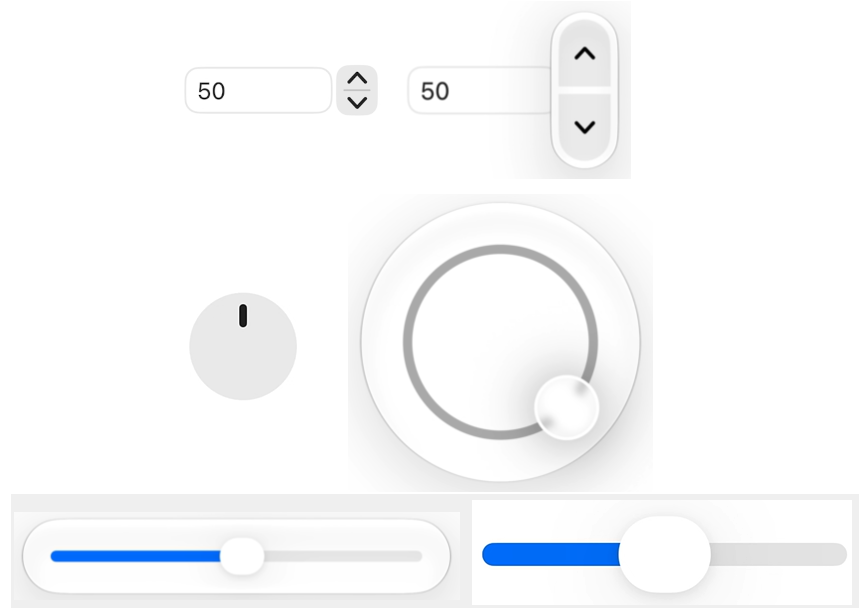
Tactile use also affects interface elements that appear on hover. These can remain hidden when touch actions are “easily doable.” For example, swiping left and right in a carousel.
Apple encourages developers not to ignore touch controls, even in dense applications. It cites, for instance, the scrolling of side panels in Xcode.
A system navigation not too far from iOS / iPadOS
In macOS, a single press selects an item and a double press opens it. The equivalent of a single click vs. double-click. Drag-and-drop handles modifier keys. Each application may define its own gestures. Apple has, for example, integrated in Maps the gesture of swiping up with two fingers to enter 3D mode. To illustrate the multitouch aspect, it mentions an action in another of its apps: moving two sliders simultaneously in Logic.
The main touch gestures for system navigation resemble those of iOS / iPadOS.
| Three-finger swipe up | Mission Control |
| Three-finger swipe down | App Exposé |
| Pinch-in with the thumb and three other fingers | Show All Applications |
| Pinch-out with the thumb and three other fingers | Show Desktop |
| Swipe left or right with three fingers | Switch Between Virtual Desktops |
| Swipe down from the top edge | Show Menu Bar |
| Swipe up from the bottom edge | Show Dock |
| Swipe up from the Dynamic Island | Invoke Siri |
| Swipe in from the right edge of the screen | Show Notification Center |
| Swipe in from the top-right corner | Show Control Center |
A first OLED MacBook
Apple encourages developers to favor the screen edges for touch control, at least for tasks requiring precision. The rationale: users can easily reach these zones while holding the display with both hands, then interact with the thumb.
This approach mirrors the form factor of the brand’s first touchscreen computer: a traditional clamshell MacBook Pro. Not a convertible, therefore.
Another first in the MacBook line: an OLED display. At 254 ppi, it appears on both the 14.2-inch model (3024 x 1986 pixels) and the 16.3-inch model (3472 x 2266).
The entry price starts at €3,299 including tax for the 14-inch model, featuring an M5 Pro processor (15-core CPU, 16-core GPU), 1 TB of storage and 24 GB of unified memory. The 16-inch variant begins at €3,899 with the same base hardware.
