
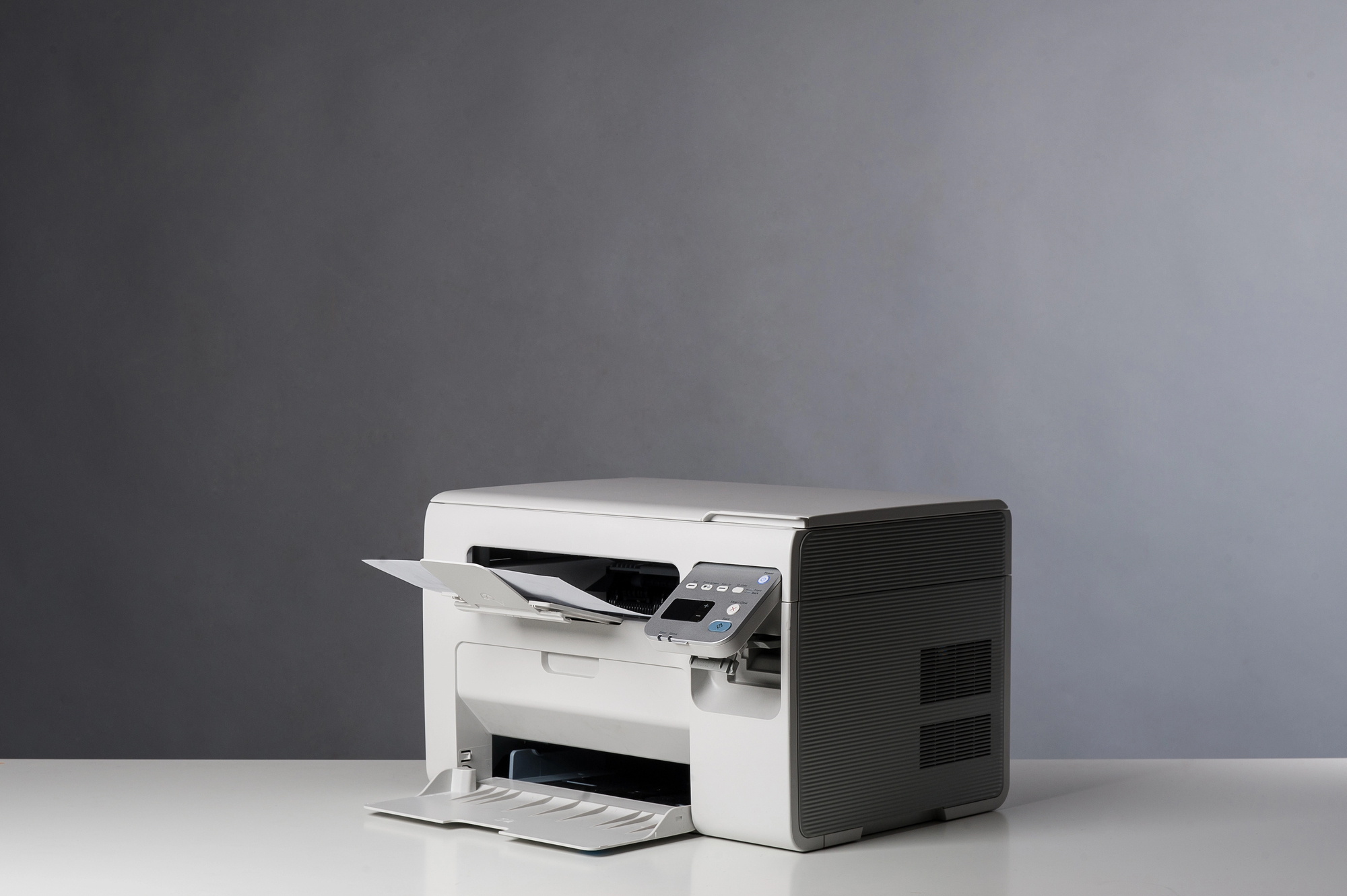
Identify Your Business Needs Before Buying a Laser Printer
Even before you start hunting for the perfect model, the first step is to clearly determine your company’s real needs. To do this, you must consider the monthly print volume, the types of documents (text, graphics, color photos), the intended usage (individual or shared), and the useful features (copy, scan, fax). For example, a ten-employee SME will not have the same expectations as an accounting department printing hundreds of pages per day.
Which professional laser printer should you choose according to print volume?
For a small team, a standard laser printer will usually suffice. For heavy use, opt for a professional high-volume laser printer. You will certainly find the model that suits you at Belta.
Once the company’s needs are well defined, you will have a clearer view of the criteria to consider when selecting the professional laser printer you need. Unlike an inkjet printer, this type is faster, more precise and more robust. That said, not all models are equal. For sharp, uniform prints, even at high volume, it is especially advantageous to choose a color laser printer equipped with advanced technologies such as automatic duplexing, Wi‑Fi connectivity and excellent resolution.
Color Laser Printer, LED or Multifunction for Your Business?
Professional printers available on the market come with varied features. The most important thing is to choose according to the intended use. For printing documents with a high density of text and graphics, the color laser printer remains ideal. Moreover, its print speed is often above 30 pages per minute (ppm). By contrast, a color LED printer stands out for its compact size, mechanical reliability and low energy consumption. It thus represents an excellent solution for companies looking to optimize both their space and their energy efficiency.
What is the best brand of laser printers for businesses?
HP, Brother, OKI and Lexmark are among the largest international references. That is why Belta favors professional printers from these major brands.
For organizations that need a versatile device, a multifunction printer is the best choice. Besides printing, it can also scan and copy. Some models even include a fax system. In any case, a professional multifunction printer allows centralization of document management and facilitates collaborative work within the company.
But everything depends on the company’s requirements. For instance, a graphic design firm will favor a high‑resolution color laser model, while a law firm will opt for a fast, reliable network printer capable of handling large text volumes. An administrative department will rather choose a multifunction printer to print, scan and copy documents while optimizing space and costs.
Technical Criteria to Examine Before Buying a Laser Printer
Beyond the monthly printing speed of a business laser printer, which generally ranges from 18 to 40 ppm depending on the model, there are several key factors to consider before you decide:
- Print resolution
- Paper capacity
- Consumables management
- Access security
- Connectivity
First, you need a resolution of at least 600 to 1200 dpi to achieve sharp and professional results, especially for documents containing graphics or logos. Next, paper capacity is a crucial criterion if you handle multiple formats (A4, A3) or frequently produce large print runs. Additionally, consumables management directly affects productivity. Therefore, it is advisable to favor long‑lasting or high‑yield toners to minimize interruptions and replacement costs.
Regarding access security in a connected work environment, it makes sense to choose a professional laser printer equipped with a locking or authentication system. Then, connectivity facilitates integration into the existing office fleet and sharing among multiple users. Finally, the total cost of ownership (TCO) is another important criterion. It includes the price of consumables, maintenance and energy consumption. A high‑performing laser printer isn’t just effective at purchase; it must also be cost‑effective in the long run.
What connectivity should you choose for a professional laser printer?
It is always beneficial to have a laser printer with network, USB and Wi‑Fi. On Belta.fr, models such as HP CLJ Pro 3202dw, Lexmark CS531dw and Brother HL‑L8260cdw meet this expectation.
