
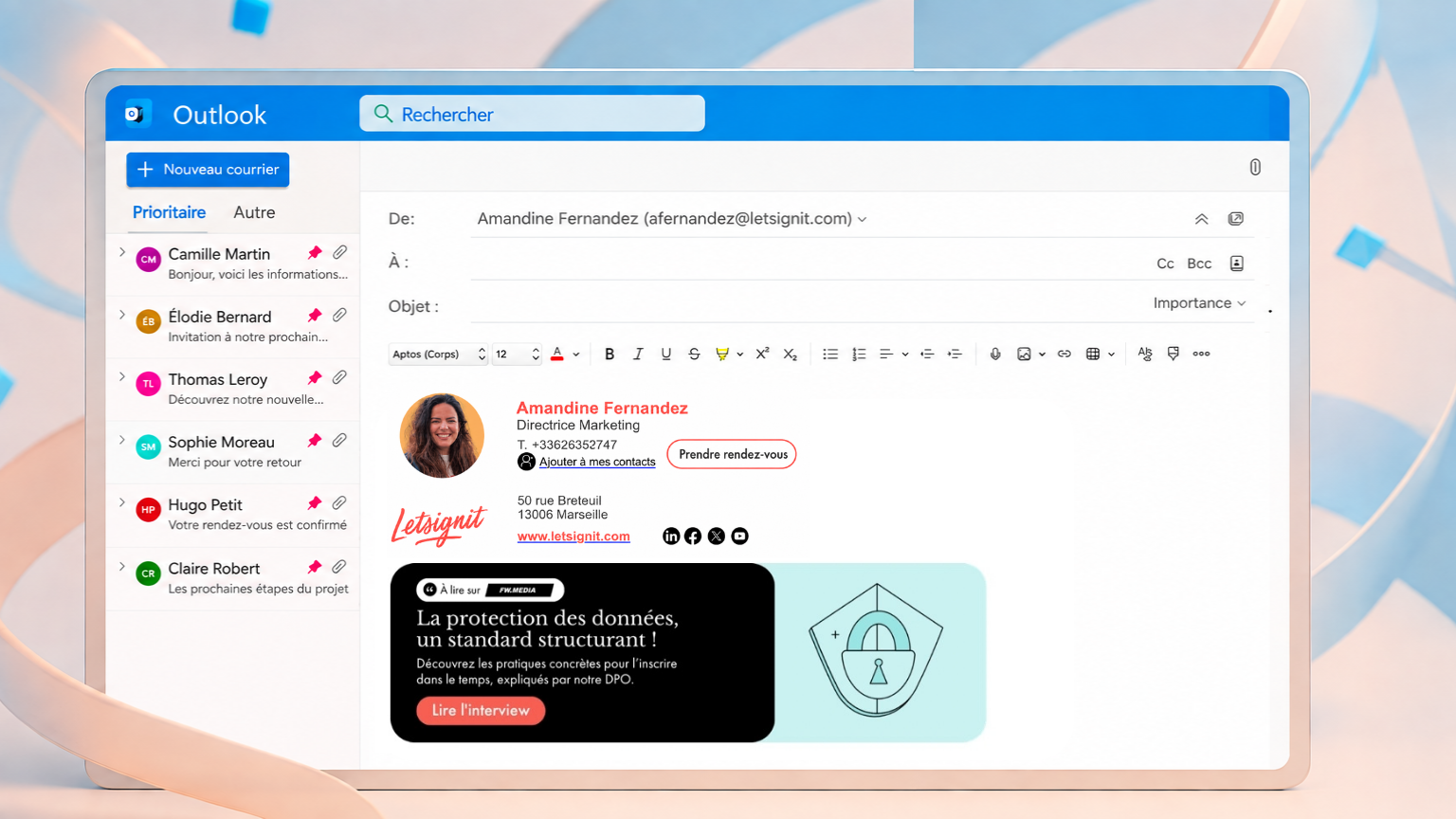
Email signatures: An IT challenge too often underestimated
IT teams must manage increasingly complex environments: security, compliance, hybrid work, cloud tools, and day-to-day support. In this setting, every repetitive request that could be automated ties up time at the expense of more strategic projects.
One of the most overlooked examples concerns the corporate email signature.
At first glance, it may seem trivial: a few contact details, possibly complemented by a legal disclaimer. But at the scale of an organization with hundreds or even thousands of employees, the signature becomes both a burden for IT and a risk for the business. When managed properly, it can even turn into a genuine asset.
An operational burden that falls on technical leadership
Many IT teams have already put governance rules in place in Microsoft 365 or Google Workspace. Devices are enrolled, policies are applied, and compliance requirements are met. Yet email signature management often slips through the cracks.
The scenario is almost always the same. Marketing sends a Word or PDF file containing the new company signature template. Employees copy-paste it into Outlook or Gmail. The formatting may not display correctly on mobile devices, logos turn into attachments, and legal notices vary from one service to another.
At first, these problems may seem minor. But they take on a much larger scale at scale. With every change—whether a brand redesign, a new office address, a job title update, or a new campaign link—hundreds of employees must manually implement the modification.
IT then becomes the last-resort support, with requests such as:
- “My signature isn’t displaying on my iPhone.”
- “The logo is blurry.”
- “Could you correct the text of my legal disclaimer?”
Rather than focusing on strategic projects, IT teams spend hours solving formatting issues. And the cycle never truly ends: as soon as a new change occurs, everything starts again.
Millions of touchpoints to capitalize on
Support tickets are only the tip of the iceberg. The real challenge lies in scale, because email remains the primary channel of communication for companies. It’s the system employees use every day to interact with customers, partners, suppliers, and prospects.
In a 500-employee company, if each person sends an average of 40 external emails per day, that’s about 20,000 outgoing emails daily. Based on 20 business days per month, that equates to roughly 400,000 monthly visibility opportunities, or more than 4.5 million over a year.
When these signatures are not managed, risks quickly multiply:
- Brand inconsistency: outdated logos, mismatched fonts, or unapproved slogans undermine the company’s credibility.
- Compliance gaps: missing or outdated legal notices can expose the company to regulatory risks, notably GDPR in Europe, HIPAA in the healthcare sector, or FINRA regulations in financial services.
- Shadow IT: when official templates are hard to find or update, some employees may use external tools or generators. This proliferation of solutions complicates content governance and can create additional IT risks.
- Lost opportunities: millions of impressions are wasted each year because the signature is seen as a decorative element rather than a full-fledged communication channel.
What looks like a simple design problem is, in fact, an operational model problem. Without governance, the company’s most constant communication channel remains poorly managed and underutilized.
Centralize to simplify management
When signatures are managed like any other enterprise system, everyone wins. IT reduces ticket volume, enforces default compliance, and avoids reliance on unapproved tools. Communications teams benefit from a consistent brand image and can leverage email signatures as a true communication channel.
That is precisely what Letsignit offers.
- The solution can connect to your Microsoft environment and synchronize the information needed to manage signatures, such as job titles, addresses, and phone numbers, depending on the configuration chosen with Microsoft Entra ID.
- Legal notices are applied enterprise-wide and across all devices, while IT maintains control over security and governance.
- For employees, signatures integrate smoothly, regardless of the device used. They can also select the version best suited to their interlocutor, their language, or the current campaign.
- Marketing and Communications teams have a turnkey tool to manage their email banner campaigns, tailor content to audiences, and track performance, without requesting IT for each new campaign.
Adopted by more than 5,500 organizations (including VINCI Construction, Onet, Caisse d’Épargne Île-de-France, and Michelin) and used by 2.2 million employees, Letsignit thus reconciles IT governance with the autonomy of Marketing and Communications teams.
Discover how Letsignit can help you centralize and activate your email signatures
