
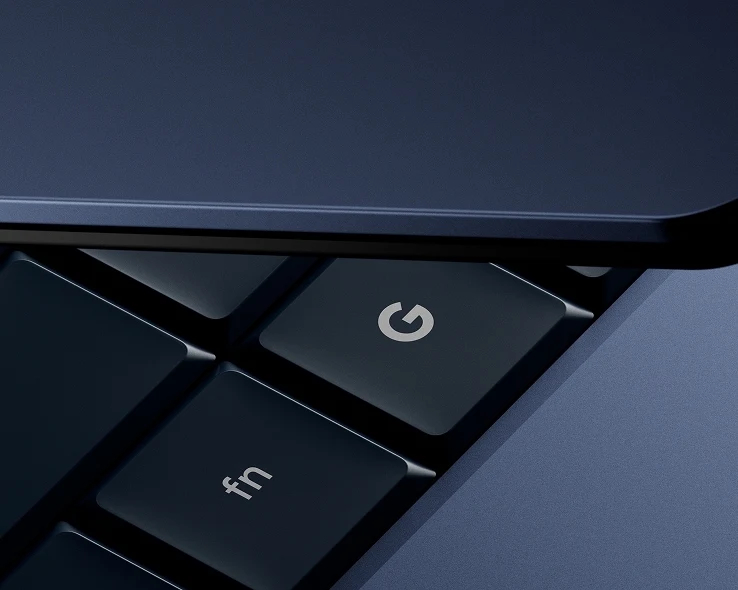
Chromebook owners, note that Googlebook is not a forced migration.
Google reiterates this stance after unveiling the first laptops to join this “premium” category. There are five devices, from five manufacturers (Acer, ASUS, Dell, HP, Lenovo). Most of them have opened preorder programs. The commercial launch date in France is set for October 5, 2026.
There is currently no Googlebook under €1000 including tax. The chassis materials reflect this premium positioning (mostly aluminum, and even carbon fiber in some cases). Backlit keyboards and fingerprint sensors are standard. And OLED touchscreens are widespread—except for Dell, which has opted for LCD.
NPUs, but little emphasis on on-device AI
In terms of CPUs, you’ll find either the Intel Core Series 3 (on Acer, ASUS, and Lenovo) or the Qualcomm Snapdragon X Elite (on Dell and HP). In all configurations, there is an onboard NPU of around 50 TOPS.
Despite the presence of this NPU, Google doesn’t push the on-device AI angle so much. As with Chromebooks before it, the company promotes AI in general under the Gemini Intelligence banner. The main feature highlighted isn’t new. It’s the Magic Pointer. By shaking the mouse pointer (or using a keyboard shortcut), you summon Gemini, which can process the content being displayed.
Google emphasizes two other “AI features.” On one side, Rambler, its enhanced voice recognition. On the other, the Create My Widget feature, which allows you to create widgets using natural language.
A continuity with smartphones… begun with Chromebooks
Another selling point of the Googlebook OS—essentially a ChromeOS-like Android base—is its continuity with smartphones. This is mostly realized through three features:
- « Continue On » (resume a task on the PC that is currently in progress on the smartphone)
- « Cast My Apps » (stream an app installed on the phone)
- File Explorer integration (acting like a media player)
There, too, the pitch isn’t entirely new. Chromebooks already allow streaming apps from Pixel phones with at least Android 13 (as long as the two devices are near each other and connected to the same Wi‑Fi network). Officially, on Googlebook, “Cast My Apps” requires a phone running Android 17, just like “Continue On.”
Google also promotes the possibility of installing Android applications directly on GoogleBook computers. All models come with at least 16 GB of RAM, which aids (enabling the VM and the Linux environment imposes a weighty overhead).
Although Google doesn’t forget the web DNA of Chromebooks, its messaging leans heavily toward native apps, “many of which are optimized for large screens and keyboard/mouse input.” It also mentions running AI agents, supported by a Linux terminal environment stacked on top of its pkVM hypervisor. That hypervisor notably earned last year the highest level of the SESIP certification guarantee (Security Evaluation Standard for IoT Platforms).
The light bar makes a comeback
The light bar, once seen on some premium Chromebooks, returns with the Googlebooks. For now, its sole purpose is to indicate the battery level.
Predelivery configurations go up to 32 GB of RAM. In LPDDR format, usually non‑removable, but Acer hints at the possibility of going to 64 GB… As for storage, most spec sheets cap at 512 GB, though 1 TB appears on some models.
We summarize below the elements most frequently found on the manufacturers’ spec sheets.
An Acer Googlebook convertible
Only Googlebook convertible in the lineup, the Acer Googlebook 14 carries a starting price of €1,199 including tax.
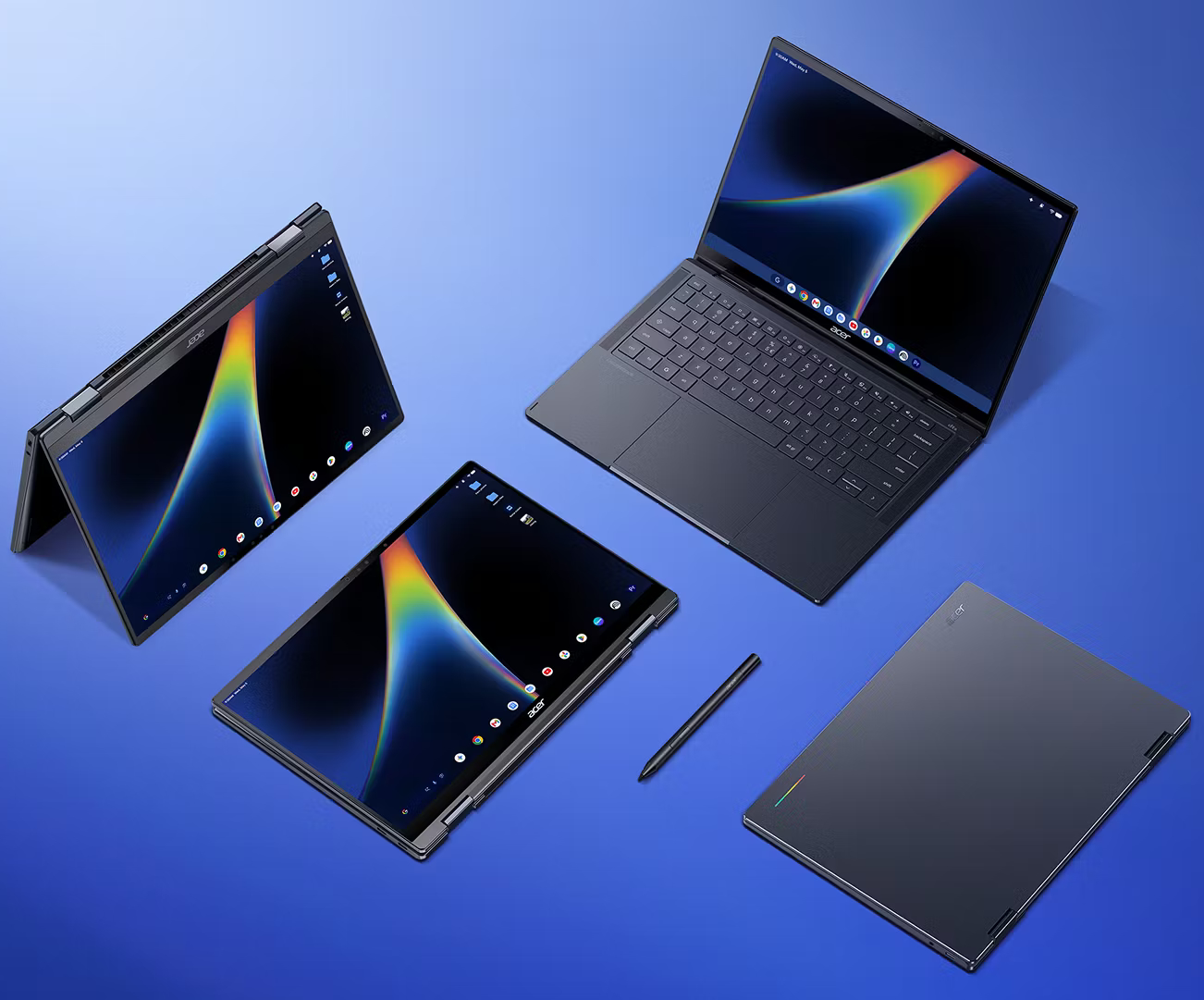
| Weight | 1.14 kg |
| Display | OLED 14″ 2880 × 1800 (16:10), 120 Hz, 500 nits (typical) |
| Processor | Intel Core Ultra 5 325 or Core Ultra 7 355 |
| RAM | Up to 32 GB (LPDDR5X-7467) |
| Storage | Up to 512 GB |
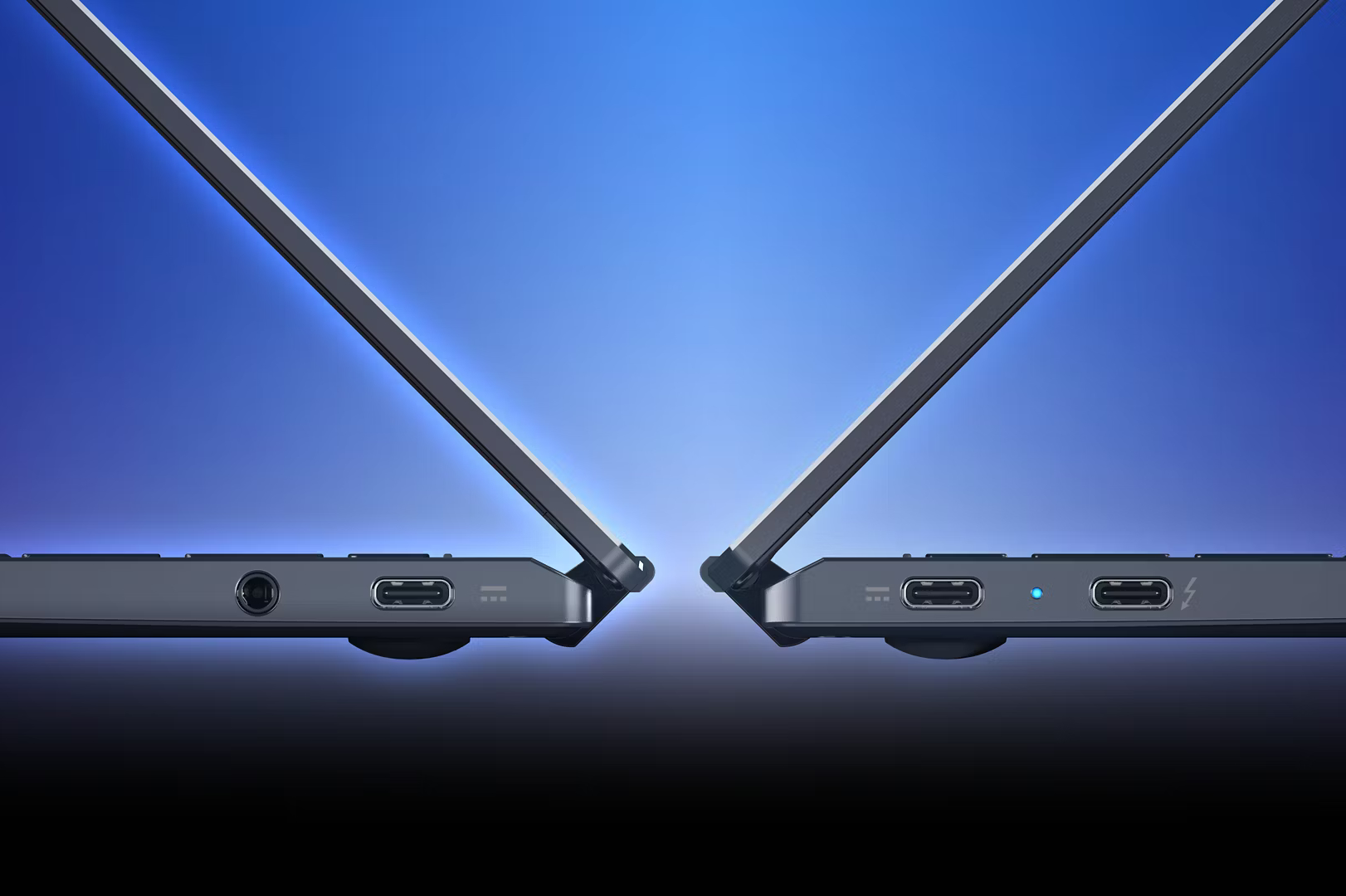
| Ports | 3 USB-C (including 1 Thunderbolt 4), jack |
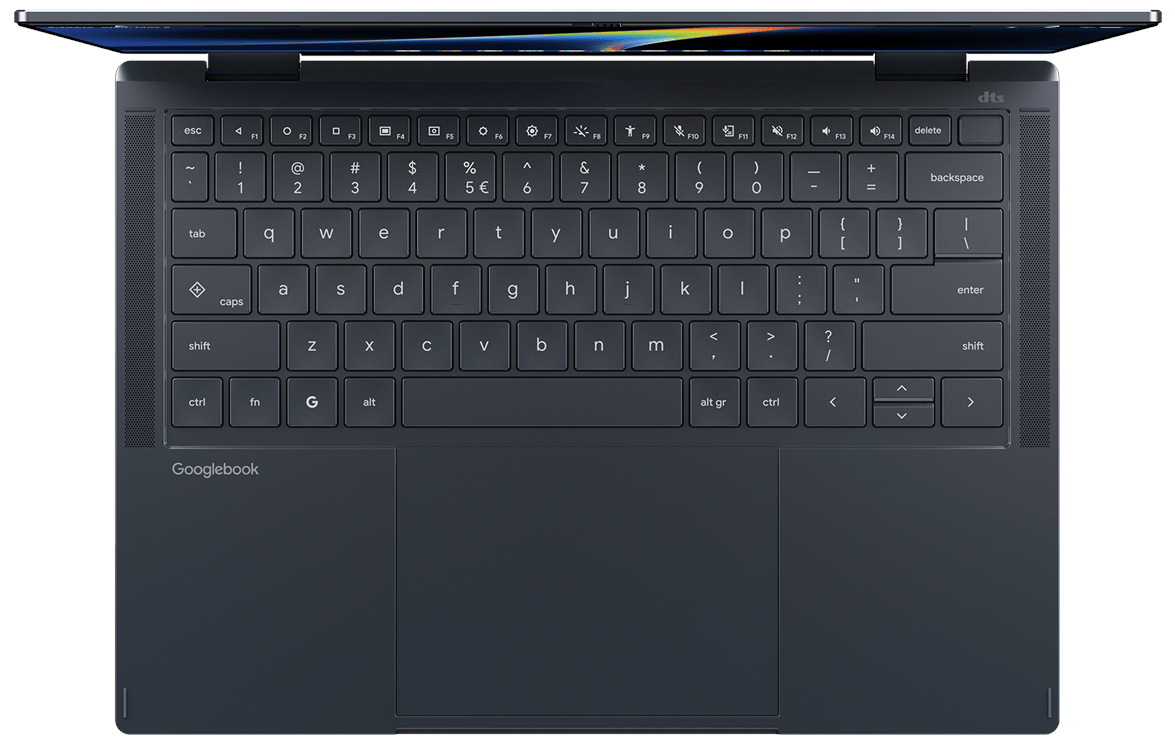
ASUS offers the most expensive Googlebook
At least €1,399 including tax for the ASUS Googlebook 14.
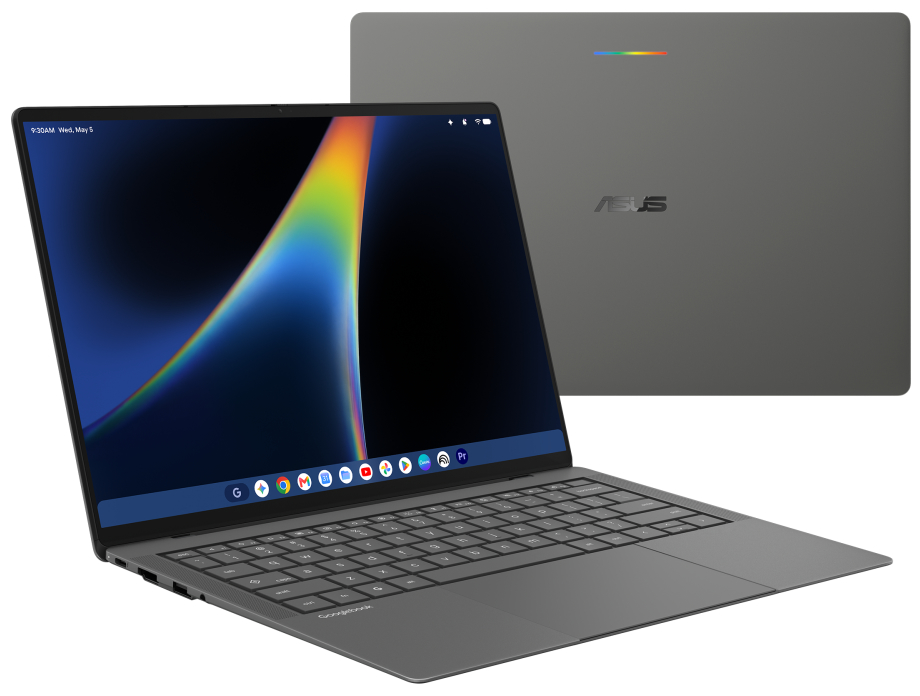
| Weight | 1 kg |
| Display | OLED 14″ 2880 × 1800 (16:10), 120 Hz, 450 nits |
| Processor | Intel Core Ultra 5 325 or Core Ultra 7 355 |
| RAM | Up to 32 GB |
| Storage | Up to 512 GB |
| Ports | 2 USB-C (Thunderbolt 4), 2 USB-A, HDMI, jack |
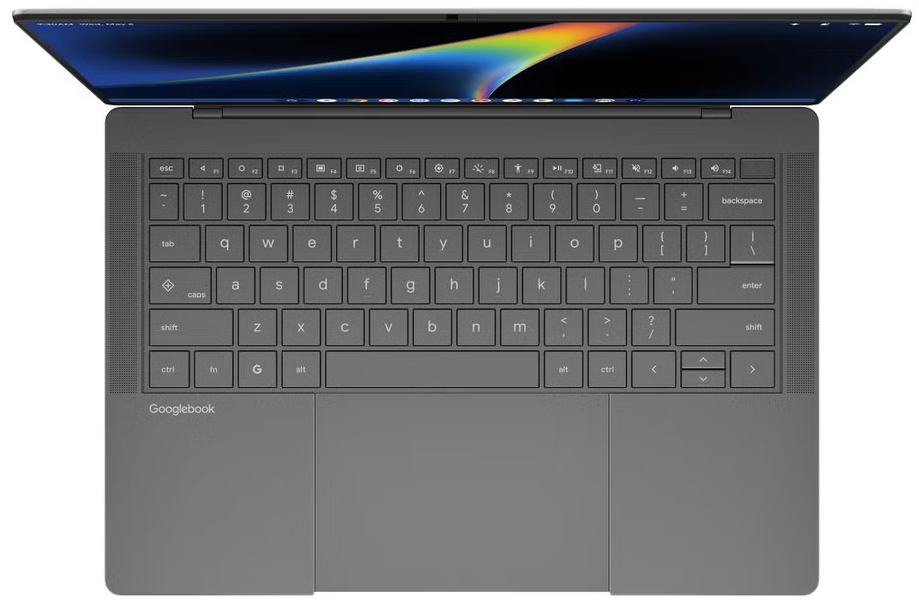

Dell bets on a compact format
For the Dell XPS Googlebook, there is currently only the price in the United States (from $1,199 before tax).
| Weight | 1 kg |
| Display | LCD 13.4″ 2560 × 1600 (15.4:10) |
| Processor | Qualcomm Snapdragon X Elite (X1E-80-100) |
| RAM | Up to 32 GB |
| Storage | Up to 512 GB |
| Ports | 2 USB‑C, jack |
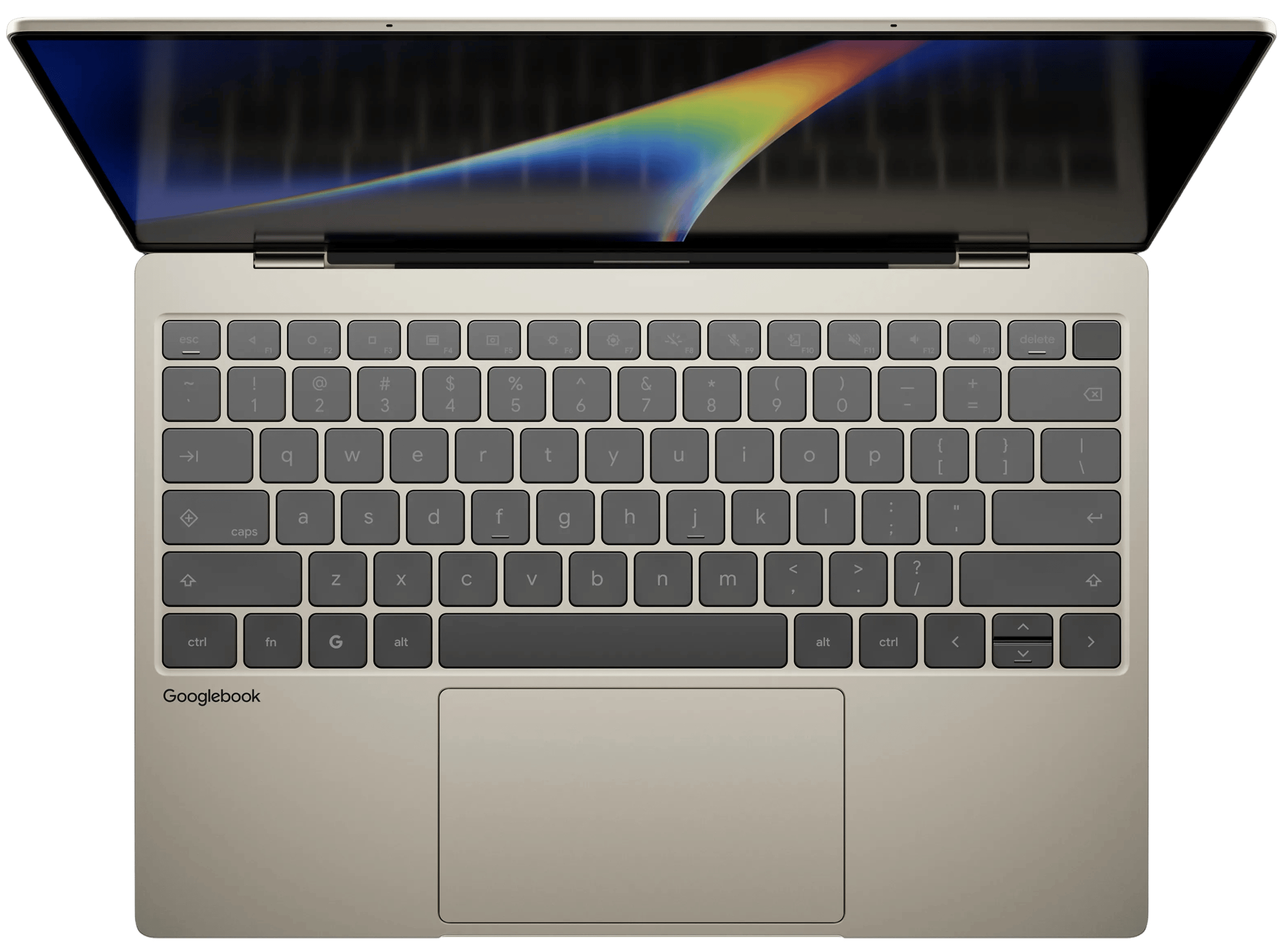
HP begins with Snapdragon
The entry ticket is €1,099 including tax for the HP Googlebook 14.
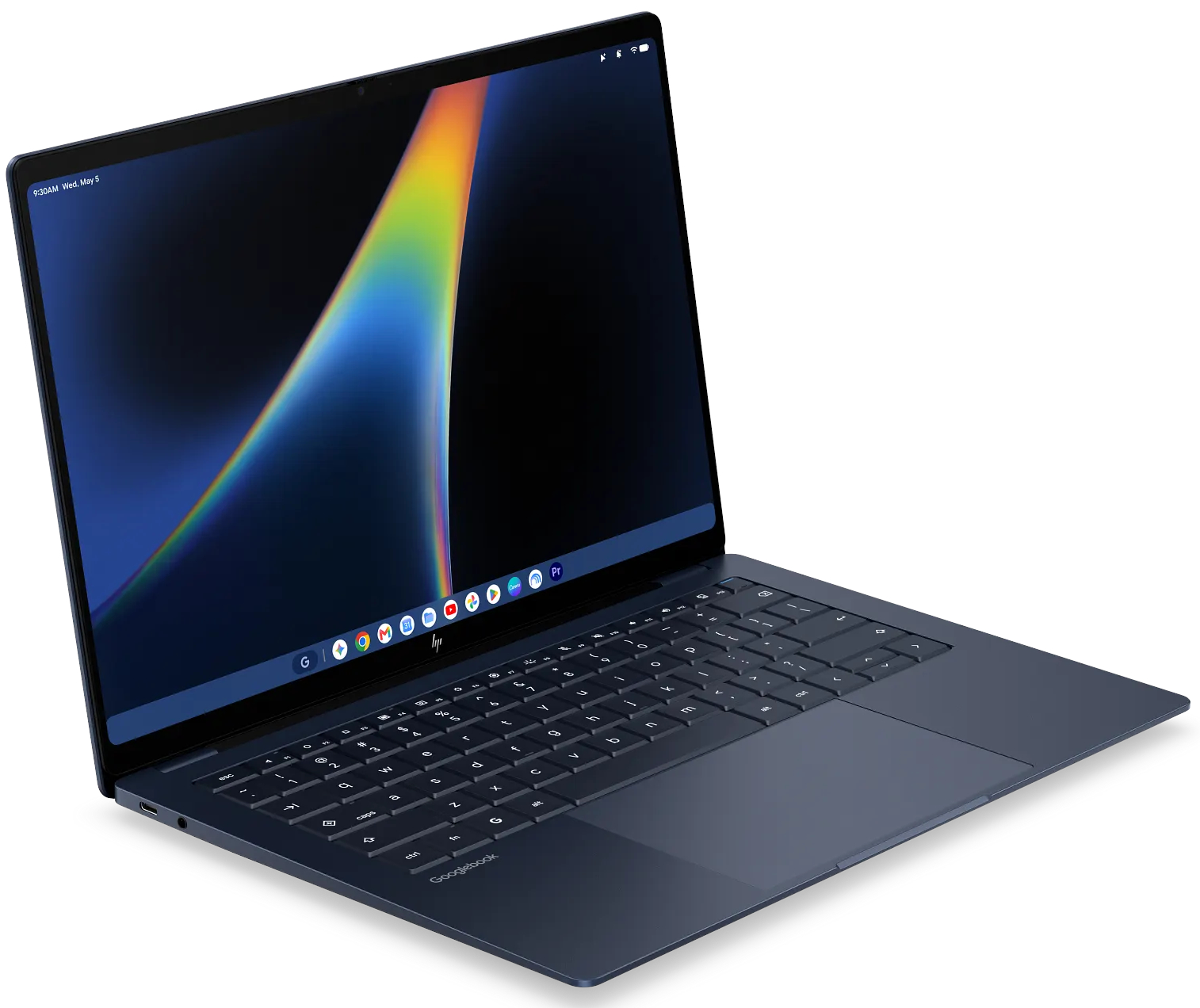
| Weight | 1.24 kg |
| Display | OLED 14″ 2880 × 1800 (16:10), 120 Hz |
| Processor | Qualcomm Snapdragon X Elite (X1E-80-100) |
| RAM | Up to 32 GB |
| Storage | Up to 1 TB |
| Ports | 2 USB‑C, jack |
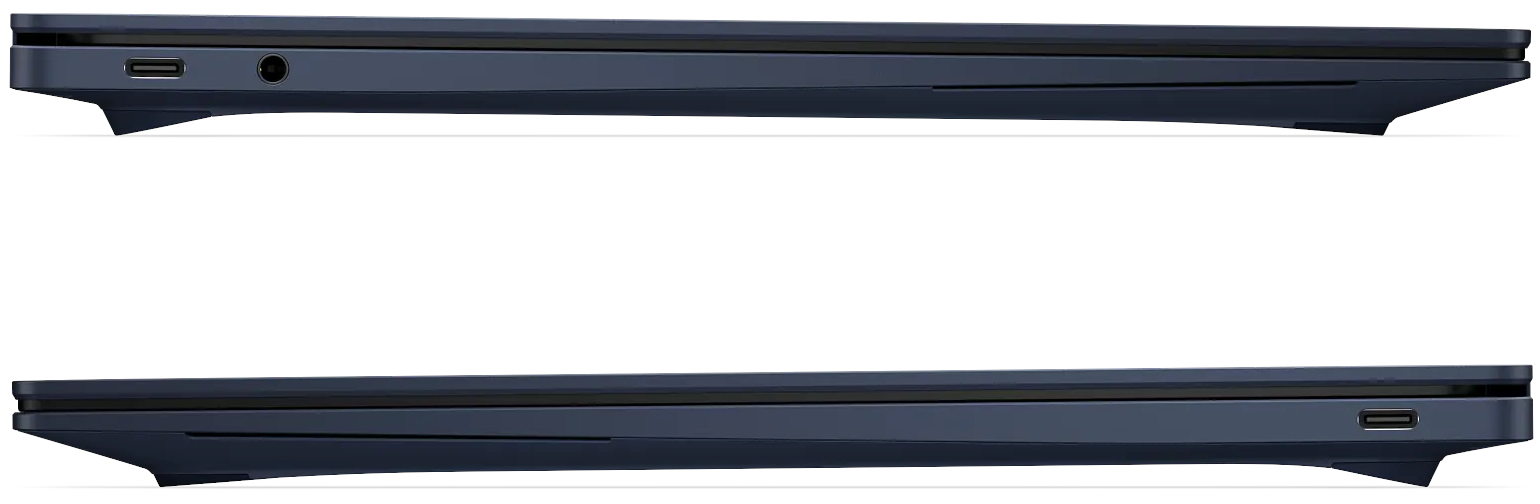
Lenovo opts for the 15-inch format
We start at €1,349 with the Lenovo Googlebook 15.
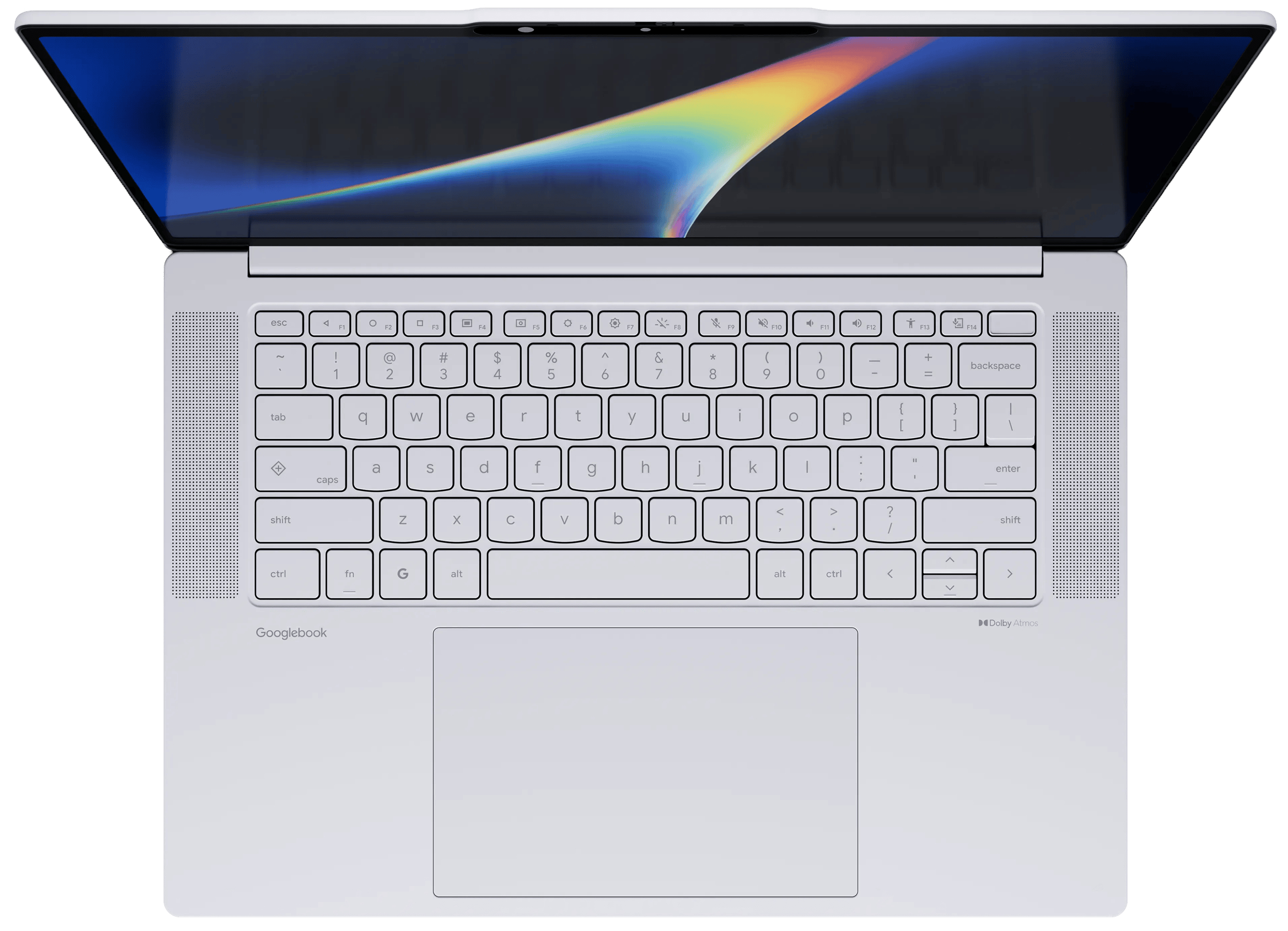
| Weight | 1.29 kg |
| Display | OLED 15.3″ 2880 × 1800 (16:10), 120 Hz, 500 nits |
| Processor | Intel Core Ultra 5 325 |
| RAM | Up to 32 GB |
| Storage | Up to 512 GB |
| Ports | 2 USB‑C (Thunderbolt 4), 2 USB‑A, HDMI, jack |

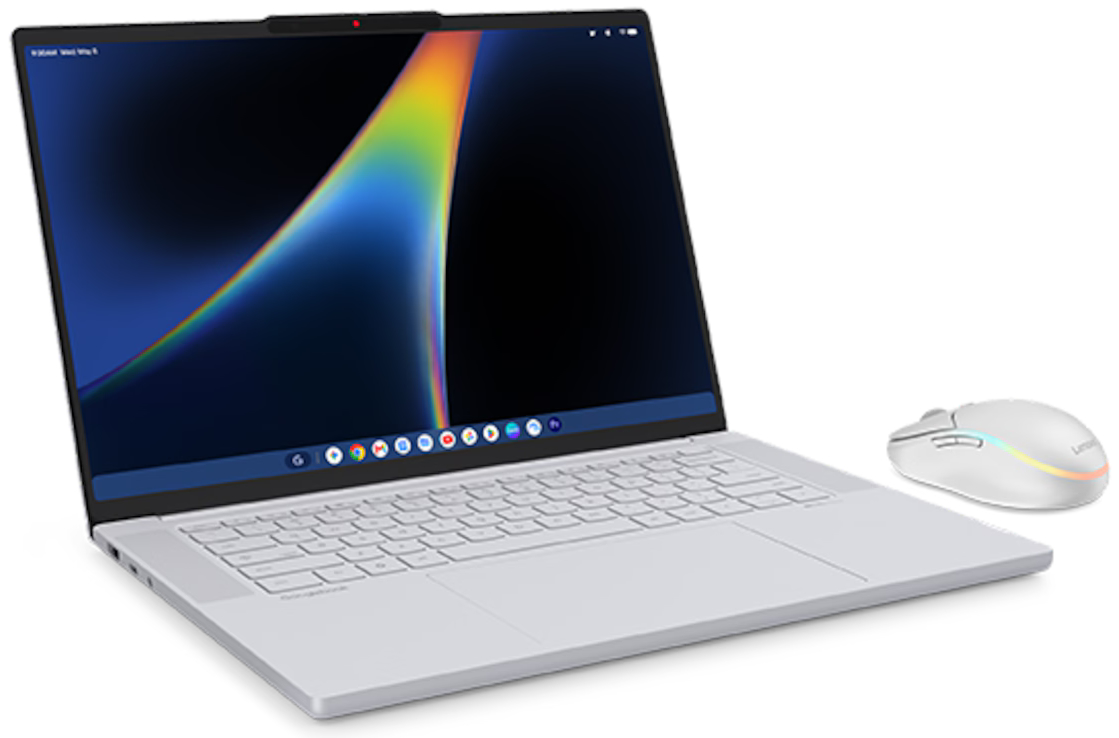
Lenovo also offers a dedicated mouse, featuring a button to summon Gemini (short press for chat mode, long press for voice). It has also published, on the Play Store, a Googlebook Diagnostics app.
13 to 23 hours of manufacturer-rated autonomy
Manufacturers each have their own methodology for estimating battery life, so we present Google’s measures, which benefit from comparing tests performed under the same conditions. First, local video playback in Chrome (1080p, 30 fps, VP9, dark mode, 100-nit brightness, Wi‑Fi on with no network activity, no peripherals connected). Second, web navigation (dark mode, 100 nits, power saver on, no peripherals connected).
- Acer: 16 hours for video and browsing
- ASUS: 15 hours for video, 16 hours for browsing
- Dell: 16 hours for video, 18 hours for browsing
- HP: 23 hours for video, 19 hours for browsing
- Lenovo: 13 hours for video and browsing
Chromebook sales aren’t slowing down
Google assures that Chromebooks will continue receiving automatic updates for 10 years, no matter the platform they run on. In practice, ten years is the maximum support window, and not all devices are granted it. More broadly, the exact content of these updates remains unknown.
In France, Acer, ASUS, Dell, HP, and Lenovo continue to sell a few Chromebook models directly. Here they are, with all tax-inclusive prices recorded as of September 22, 2026, including discounts.
From Acer
- Chromebook 314 (€449)
Intel N100, 8 GB RAM, 128 GB storage, 14″ Full HD touch IPS display, 1.43 kg - Chromebook Spin 314 convertible (€649)
Intel N100, 8 GB RAM, 128 GB storage, 14″ Full HD touch IPS display, 1.57 kg
Available at €749 with a Core i3-N305. - Chromebook Plus 516 (€699)
Intel Core 3 100U, 8 GB RAM, 256 GB storage, 16″ Full HD IPS display, 1.7 kg
Versions with Core 5 120U (€799 with 8 GB RAM and 256 GB storage, €899 in 16/512) - Chromebook Plus Spin 714 tactile (€1399)
Intel Core Ultra 125U, 16 GB RAM, 512 GB storage, 14″ Full HD 60 Hz IPS display, 1.45 kg
Available at €1599 with Core Ultra 7 155U.
From ASUS
- Chromebook CX14 (€299.99)
Intel N50, 8 GB RAM, 128 GB storage, 15.6″ Full HD IPS display, 1.59 kg - Chromebook CX15 (€299.99)
Intel N50, 4 GB RAM, 128 GB storage, 14″ Full HD IPS display, 1.39 kg - Chromebook Plus CX34 (€499.99)
Intel Core 3 100U, 16 GB RAM, 256 GB storage, 14″ 60 Hz IPS display, 1.46 kg
From Dell
- Chromebook 11 “older generation” (€599)
Intel N150, 4 GB RAM, 64 GB storage, 11.6″ TN HD display
Available as clamshell (1.42 kg) or 2-in-1 (1.55 kg). - Chromebook 11 “new generation” (€699)
MediaTek Kompanio 540, 4 GB RAM, 64 GB storage, 11.6″ HD touchscreen or non-touch
Available as clamshell (1.42 kg) or 2-in-1 (1.55 kg). 8 GB RAM version €805. - Chromebook 14 “older generation” (€601)
Intel N150, 4 GB RAM, 64 GB storage, 14″ Full HD TN display, 1.72 kg - Chromebook 14 “new generation” (€708)
MediaTek Kompanio 540, 4 GB RAM, 64 GB storage, 14″ Full HD display, 1.72 kg
8 GB RAM version for €813.
From HP
- Chromebook 14 (€329)
MediaTek Kompanio 540, 4 GB RAM, 128 GB storage, 14″ HD display, 1.35 kg
Also available at €379 with 8 GB RAM.
From Lenovo
- Chromebook 2‑in‑1 Gen 10 (€649)
Intel Core 3 N355, 8 GB RAM, 256 GB storage, 14″ Full HD touch display, 1.5 kg - Chromebook Plus Gen 10 (€999)
MediaTek Kompanio Ultra 910, 16 GB RAM, 256 GB storage, 14″ OLED Full HD 60 Hz, 1.17 kg (non‑touch) or 1.26 kg (touch)
